
Many local businesses are already listed on WiserMap. Claiming your listing lets you correct details, add photos, reply to reviews and choose the tools that help you grow.
AT A GLANCE
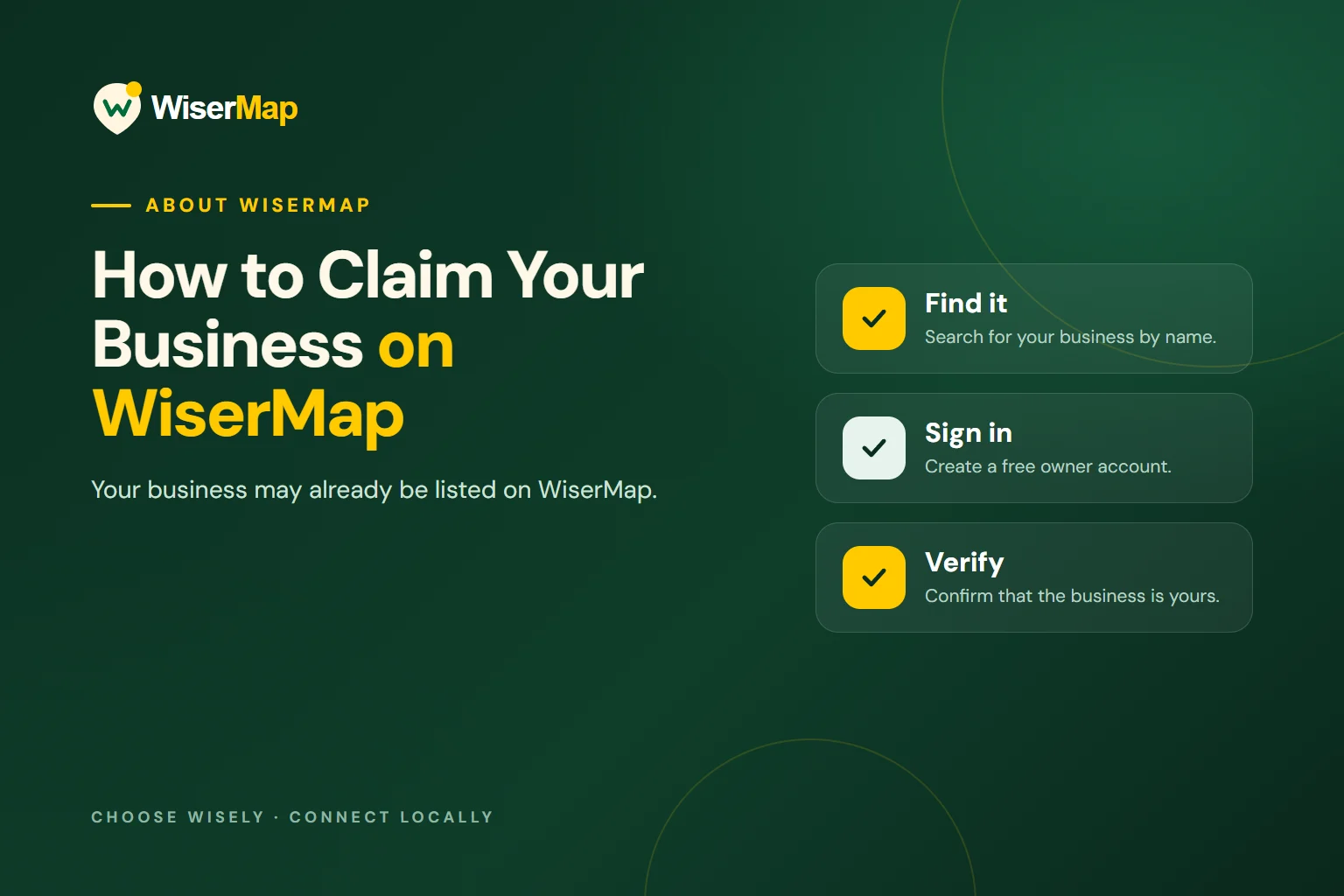
Find it
Search for your business by name.
Sign in
Create a free owner account.
Verify
Confirm that the business is yours.
Find your business
Start on the claim page and search for your business by name or phone number. Check the name, address and category carefully to make sure you have found the right listing.
Sign in or create an account
Claiming requires a free business owner account. Sign up with your name and email address, or sign in if you already have an account.
 Planning your next trip?Compare hotels, flights and vacation rentals on Expedia.Book now
Verify that the business is yours
WiserMap asks you to confirm ownership before you can manage a listing. This protects businesses from unauthorised changes.
Complete your profile
Once your claim is approved, review every detail and fill in anything that is missing.
- Correct contact details and opening hours
- Add real photos of your business
- Reply to recent reviews
Choose the tools that fit
A free listing covers the essentials. When you are ready, Premium adds services, products, FAQs and team members, Appointments lets customers book online, and advertising helps you reach more people.
