
People open WiserMap when they are ready to choose someone. In a few seconds they decide whether to call you, book you or move on to the next listing.
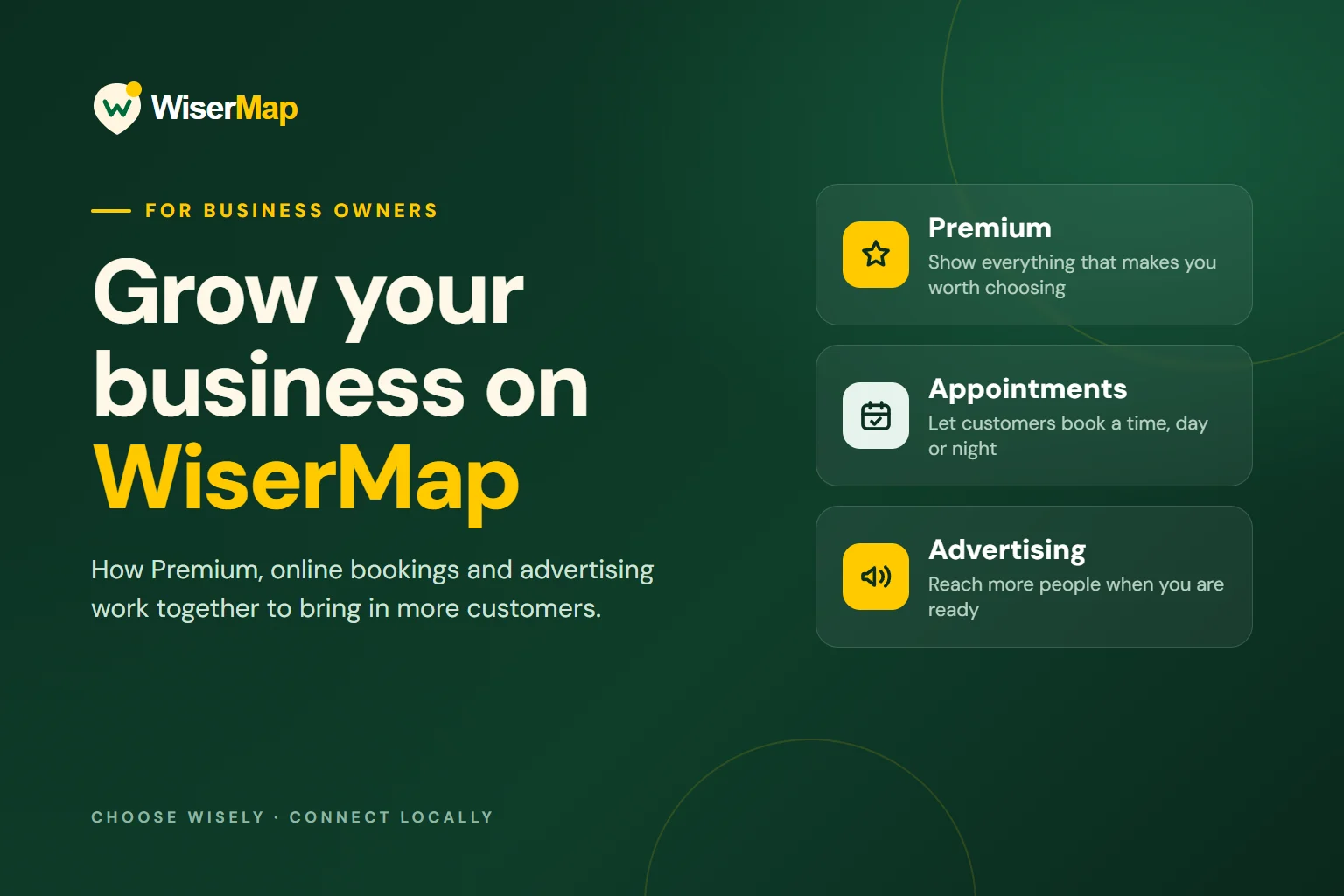
Growing on WiserMap comes down to three things: a profile that answers their questions, an easy way to book, and enough reach to be seen.
Start with a free listing that is complete
Every business can list on WiserMap for free. The free listing covers the essentials, and getting them right matters more than anything you pay for later. A customer who cannot find your hours or a working phone number will not book, no matter how much visibility you buy.
 Planning your next trip?Compare hotels, flights and vacation rentals on Expedia.Book now
- Business information, contact details and accurate opening hours
- Real photos of your work, your storefront and your team
- Your website and social links
- Customer reviews, with your replies
- Profile views and review statistics in your dashboard
Quick check: open your profile on your phone. Can a stranger tell what you do, where you are, when you are open and how to reach you in under ten seconds?
Upgrade to Premium when you want to win the comparison
Most customers compare two or three businesses before they decide. Premium gives you the space to answer the questions that usually decide it: what exactly you offer, what it costs, who will do the work and what other customers say elsewhere.
- Services and products, including a product catalogue
- Menus for restaurants and cafés
- FAQs and amenities, so customers get answers before they call
- Team members and employee access to your dashboard
- Links to your reviews on other platforms
Premium works best when you fill it in. List your most-requested services with clear names, answer the five questions your staff hear most often, and add the people customers will meet.
Turn interest into bookings with Appointments
Many customers find a business in the evening or at the weekend, when no one is there to answer the phone. With Appointments they can choose a time and book on the spot, and you get the booking in your dashboard and inbox.
- Your own booking page, with a QR code and calendar links
- Unlimited appointments
- Your availability, appointment length and buffer time between bookings
- Blocked dates for holidays and busy days
- Confirmation and reminder emails for you and your customer
- Custom questions, visit location and price display
Put the QR code on your counter, receipts and van so returning customers book directly.
Add advertising when your profile is ready
Advertising brings more people to your profile, so it pays off most once steps one to three are in place. WiserMap offers two options:
- Promoted Listing puts your business in sponsored spots as people browse and search
- Popup Advertising shows a focused campaign, such as a seasonal service or new opening, with one clear next step
Pick one goal for each campaign, such as more calls for a service or more bookings in a quiet week, and send people to the page that achieves it. Then compare the calls and bookings you get with the weeks before.
Which mix fits your business?
A complete free listing with real photos, accurate hours and replies to reviews.
Premium, so your services, FAQs and team are visible next to your reviews.
Appointments, ideally alongside Premium so people see your services before they book.
Advertising on top of a Premium profile, with one clear goal for each campaign.
A simple 30-day growth plan
- First weekComplete your free listing: hours, phone, address, at least three real photos and a reply to every recent review.
- Second weekTurn on Premium. Add your main services, five FAQs and your team.
- Third weekSet up Appointments, test a booking yourself, then share your booking link and QR code.
- Fourth weekRun one focused ad, then compare views, calls and bookings in your dashboard.
Put your business where customers are choosing
Add your business for free, or claim your existing listing, then choose the services that fit your goals in Plans & Billing.
