
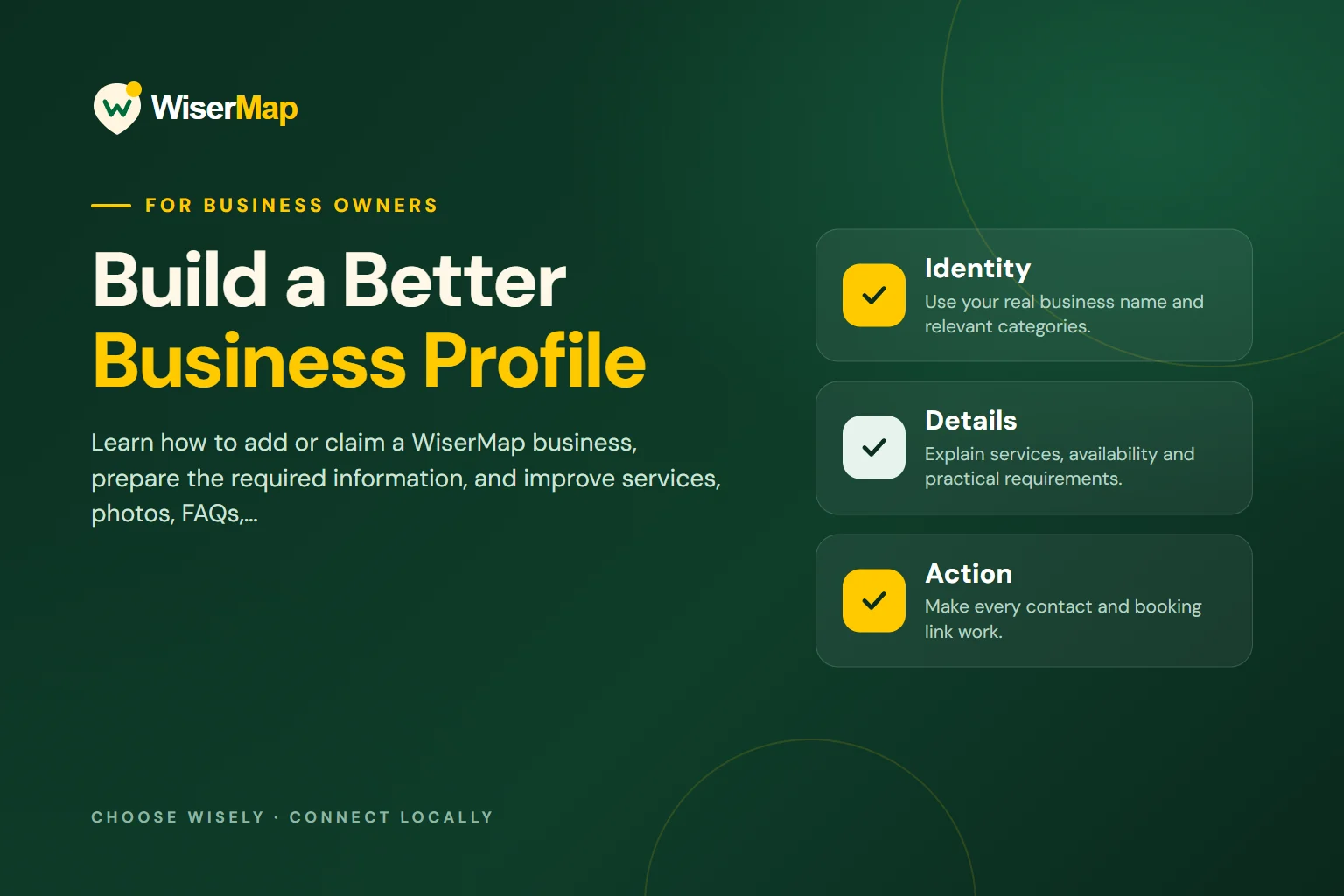
An optimized WiserMap profile helps a customer answer three questions: Does this business offer what I need? Can I trust the information? What should I do next? The best improvements are usually practical ones—accurate details, specific service descriptions, current photographs, useful answers, and contact options that work on a phone.
AT A GLANCE
Identity
Use your real business name and relevant categories.
Details
Explain services, availability and practical requirements.
Action
Make every contact and booking link work.
Find and claim the correct listing
Begin by searching WiserMap for your existing business. Check the name, location, and other identifying details before deciding that a listing is yours. Similar names can belong to different businesses, and creating a duplicate may leave customers unsure which information to follow.
If the right listing exists, use the available claiming process and complete the requested ownership checks. Claiming, verification, and paid promotion are different concepts. Do not present a paid plan as evidence of service quality or assume that an application automatically produces a verified badge.
If information appears wrong or you cannot access a listing that you manage, use the Help Center to find the appropriate support route. Keep a record of the correct public details so you can explain what needs changing clearly.
How to add a business: steps and requirements
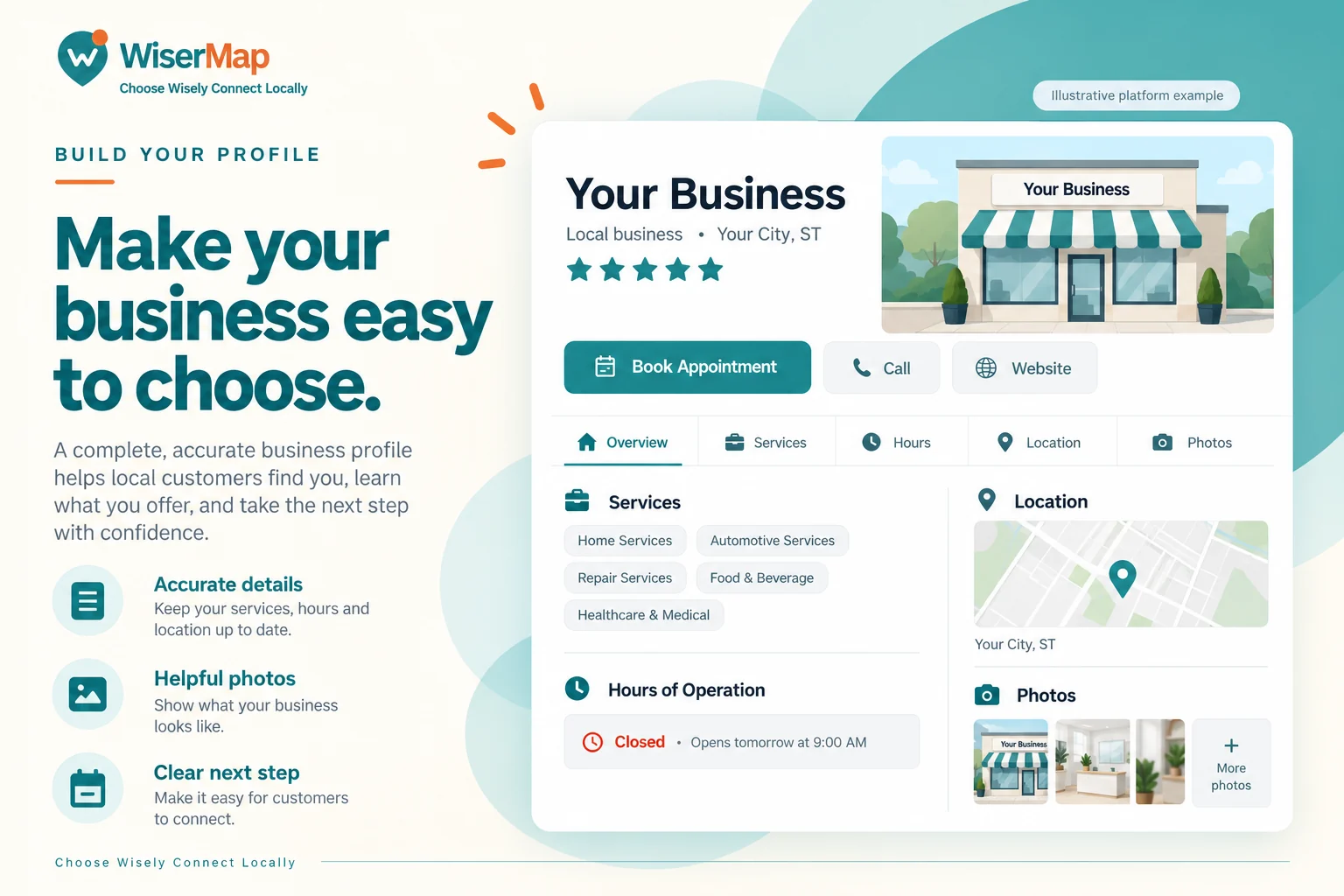
If your business is not already listed, start from the business sign-in page and use its registration option if you need an account. The current account form asks for first and last name, an email address, and a confirmed password. Complete the displayed terms and any email, account, or identity-verification steps requested. You should be the owner or an authorized representative.
In the business area, choose the option to add a business. The standard creation form currently requires the following information:
| Information | What to prepare |
|---|---|
| Business name | The genuine public name, up to 255 characters. |
| Categories | One or two relevant categories from the available choices. |
| Short description | A concise summary of 30–60 characters. |
| Full description | A useful explanation of 100–1,500 characters. |
| Business contact | A valid business email address and phone number. |
| Address | Street address, city, state or region, postal code, and country. |
| Hours | The actual weekly schedule, with at least one open day; open days need times unless marked as open 24 hours. |
Establish one accurate business identity
Use the name customers recognize from your real business. Do not add a string of cities, services, or promotional phrases to the name field simply to attract searches. Put service information into the service sections and explain coverage in the relevant description or location details.
Check the public phone number, website address, category, and location. Include a suite or unit when it is necessary for visitors to find the correct entrance. A small omission can produce a large inconvenience for someone arriving for the first time.
Consistency does not mean every sentence must be identical across websites. It means the essential facts should agree. If the website says one closing time and the profile says another, resolve the difference before writing more marketing copy.
Write a description that answers real questions
A strong description starts with what the business does and who it serves. It then explains the most useful details: the main services, the approach to customer needs, the service area where appropriate, and any genuine distinctions you can support.
Here is an illustrative structure, not a factual claim about a real business:
Your Business provides [specific service] for customers in [actual service area]. We help with [main customer needs]. Before work begins, we explain [your real estimate or service process]. Contact us to confirm availability and discuss the option that fits your request.
Replace every bracket with truthful information. Avoid unsupported phrases such as “the best in the country,” blanket promises about turnaround times, or guarantees your team cannot consistently honor. Specific explanations make a profile useful even when the reader has never heard of the business.
Make each service easy to understand

List the services people actually ask for. A broad category may help discovery, but a specific service description helps a customer decide whether to contact you. Use the customer's language where it accurately describes the work.
For each important service, explain what it covers, who it is suitable for, and what the customer should confirm before proceeding. If duration is available, make clear whether it is a typical estimate or a fixed appointment length. Explain any conditions that affect availability or timing.
Do not paste the same paragraph under every service. If two services are genuinely different, their descriptions should make that distinction clear. If they are effectively the same service, a single well-written entry may be more helpful than several near-duplicates.
 Planning your next trip?Compare hotels, flights and vacation rentals on Expedia.Book now
Treat hours and location as essential content
Review opening hours regularly and before holidays or temporary changes. Where the platform supports special arrangements, keep them current. If the published schedule cannot fully explain an exception, add a clear update and make it easy to confirm availability.
Check directions from a customer's perspective. Does the address identify the right building? Is an entrance difficult to see? Would a short parking or access explanation help? Only list accessibility features or amenities that are genuinely available.
If you serve customers at their locations, describe the actual coverage rather than implying that every city is served. People need to know whether contacting you is worthwhile, not simply encounter the name of their town in a long list.
Choose photos that remove uncertainty
Use recent, original photographs you have permission to publish. A recognizable exterior, an entrance, the customer-facing area, and relevant examples of work can be more useful than a large collection of repetitive images.
Choose images with a clear subject and enough light to see the details. Avoid stretching a low-resolution photo, putting important information only inside an image, or using another business's photograph. Review photos for customer records, private documents, faces, or other details that should not be made public.
A logo identifies the brand, but it does not show the customer what to expect. Combine a suitable logo with actual business photographs. Refresh the set after a move, renovation, or meaningful change in the services offered.
Use FAQs to answer the questions that delay decisions
Good FAQs come from real conversations. Ask the people who answer calls which questions they hear repeatedly. Common examples include whether an appointment is needed, what to bring, how estimates work, and which services are available.
Lead each answer with a direct response, then explain important conditions. For example, “Walk-ins are welcome when capacity allows; contact us first for time-sensitive requests” is more useful than a vague statement about excellent customer service—if that accurately reflects the business.
Do not publish an answer because it sounds convenient if your staff follows a different policy. The profile should reduce confusion before a visit, not create a promise that someone must correct later.
Make contact and booking paths dependable

Open the public profile on a mobile device and test the visible actions. The phone link should reach the correct number. The website should open a relevant, working page. Directions should point to the correct location. If appointment booking is enabled, review availability and instructions before promoting it.
Choose the main action around the way your business works. An appointment-led service may prioritize booking, while a business that needs to assess each request may prefer a call. Additional choices should support the visitor without overwhelming the page.
Do not advertise instant confirmation if a booking requires review. Explain the next step and any preparation customers need so the transition from online interest to an actual visit feels consistent.
Keep reputation information honest and current
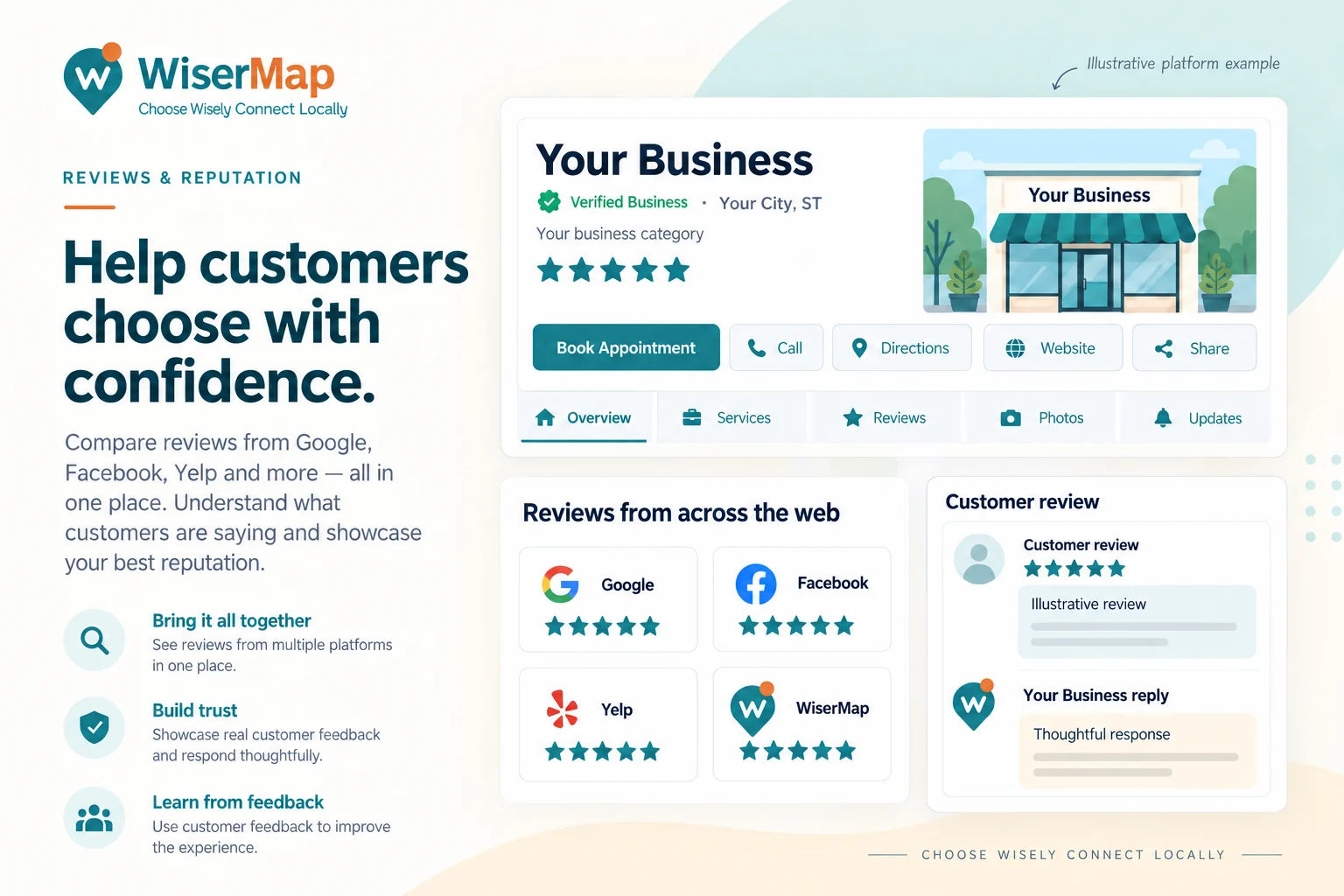
Check that any linked review-platform pages belong to the same business and location. A similar name is not enough. Review information can vary between platforms; do not assume that ratings, review counts, or update schedules are interchangeable.
Read feedback for recurring questions and concerns. Where supported, respond professionally and make operational improvements when the feedback reveals a genuine problem. Do not copy customer statements into your own description in a way that implies permission or independent endorsement you do not have.
For a deeper workflow, read how to use reviews to build trust.
Make the information useful to search and AI systems
Write important details as visible text, not only in a banner or screenshot. Use clear headings, natural descriptions, and specific answers that help a person understand the business. Accurate, accessible information is also easier for search systems to interpret.
There is no special phrase that guarantees an AI recommendation. Google advises that established SEO foundations remain relevant to its generative search features, without requiring special AI markup. Focus on distinctive, reliable information rather than rewriting the same keyword repeatedly. Read Google's guidance.
A repeatable maintenance checklist
Once the initial work is complete, set a monthly review. Confirm contact details and hours, remove outdated offers, check appointment instructions, inspect important links, and add genuinely useful changes. Assign responsibility so the task does not depend on everyone assuming someone else has handled it.
After a major business change, update immediately rather than waiting for the monthly review. Record the date and what changed. That simple habit makes it easier to catch inconsistencies across your website and other public profiles.
Frequently asked questions
PUT IT INTO PRACTICE
Your next steps
Tick off each step as you review this guide. Your selections last for this visit.
